

Fewer complaint calls to more successful deliveries.
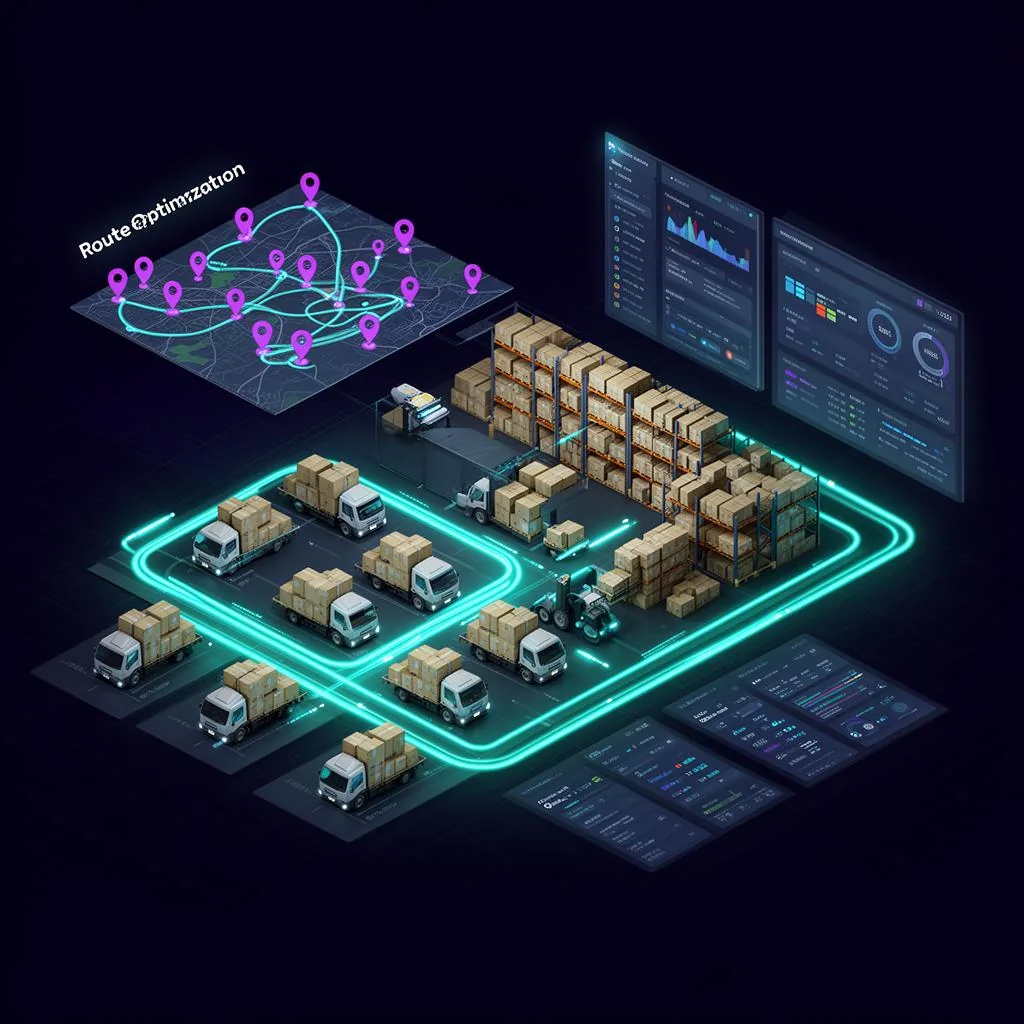
The sales team sells, production receives the order and the logistics team receives the dispatch task. Automate route assignment with KAI, control your fleet in real time (see where they are) and anticipate problems before the customer calls. Your operation, under control.
Key Features
Full control of your logistics operation
KAI Assignment
Our AI automatically assigns routes considering capacity, location and delivery priority.
Live Tracking
See where each vehicle in your fleet is in real time. Full control from your screen.
Proactive Alerts
Anticipate problems before the customer calls. Automatic delay and deviation notifications.
Operations software: warehouse, shipping and last mile
Short answer: Katuq gives the operations team a single view of what needs to be prepared and delivered. The operations center shows the order queue by warehouse, delayed orders and what is ready to ship; your own couriers see their deliveries in the delivery app and leave a photo of each delivery; carrier labels are created through Envíame, and the customer gets automatic updates at every status.
What Katuq does for an operations team
- Operations center with the order queue by warehouse, delayed orders and orders ready to ship.
- Production and packing board with the statuses produced, packed and ready to ship.
- Delivery app for your own couriers, delivery map and proof of delivery with a photo.
- AI dispatch plan: it splits shipments according to how much each courier can carry and tells you whether you have enough couriers.
- Carrier labels through Envíame and delivery fee zones by municipality.
- Configurable delivery methods, times and schedules, with automatic customer updates.
- Inventory by warehouse and by location inside the warehouse, lots, transfers and cycle counts.
- Katuq Live: a real-time operations board for a screen in the warehouse.
Frequently asked questions
- Does it work with my own couriers?
- Yes. Each courier sees their deliveries in the delivery app, the customer gets status updates and each delivery is recorded with a photo.
- Can I create carrier labels?
- Yes, through Envíame, from the same order.
- How do I know which orders are late?
- The operations center shows the queue by warehouse and delayed orders, and the order list flags the ones that need attention.
- Does it handle several warehouses?
- Yes. Inventory by warehouse and by shelf, with transfers between warehouses and cycle counts.
Related Solutions
End-to-end optimization for every link in your value chain.
How does Katuq work?
See the full operating cycle: from order capture to final delivery and payment collection.
Still comparing options?
Discover why more companies choose Katuq over other solutions on the market.